Utilities · Android
Several countdowns, one screen
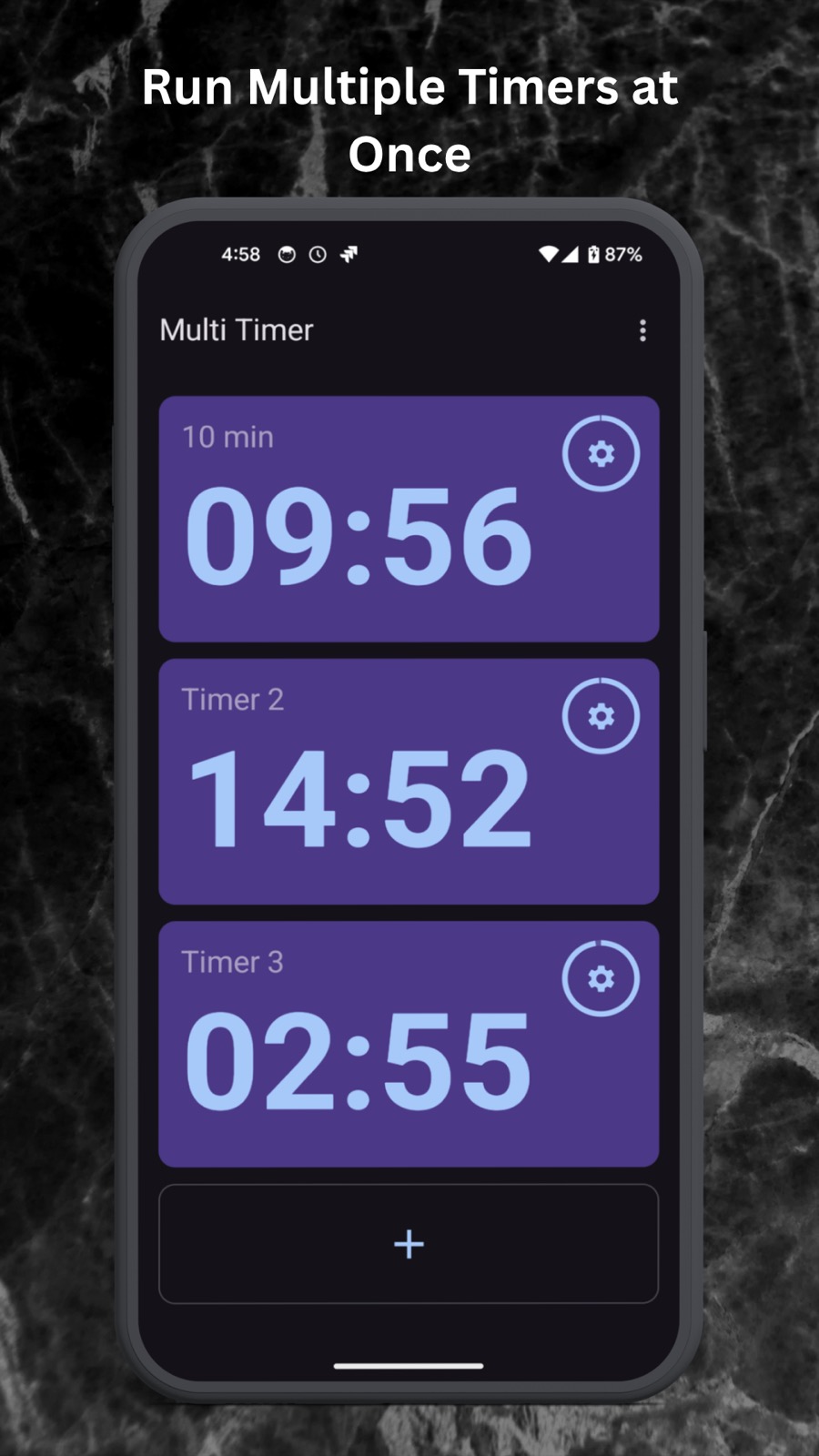
Start as many timers as the job needs with one tap and read them all at a glance. No menus to dig through, no juggling three apps in the kitchen.
What it does
Simultaneous countdowns
Run as many timers as your task requires at once, all visible on one screen. Built for the kitchen and the gym.
One-tap start
Preset buttons start your usual countdowns instantly instead of making you set them up again.
Custom presets
Save your own routine timers to a personal dashboard so they are waiting the next time you open the app.
Reliable alerts
A dedicated foreground service keeps timers running, with loud sound alerts and high-visibility notifications.
Questions
Will the timers stop if I close the app?
No. Multi Timer uses a dedicated foreground service so your countdowns keep running and alerts trigger even if you switch apps.
Is there a limit to how many timers I can run?
There is no hard limit. Run as many simultaneous timers as your screen can comfortably display.
Do I have to set my usual timers up every time?
No. Save the ones you run often as presets and they are waiting on the dashboard, one tap from starting.
Take control of your schedule
Run your countdowns with precision and stop losing track of which timer belongs to what.